Built for iPhone photos

Ditch the junk.Keep the memories.

The satisfyingly fast way to review your photo library. Swipe right to keep, left to delete — that's it.

Download on the App Store

No account · No tracking

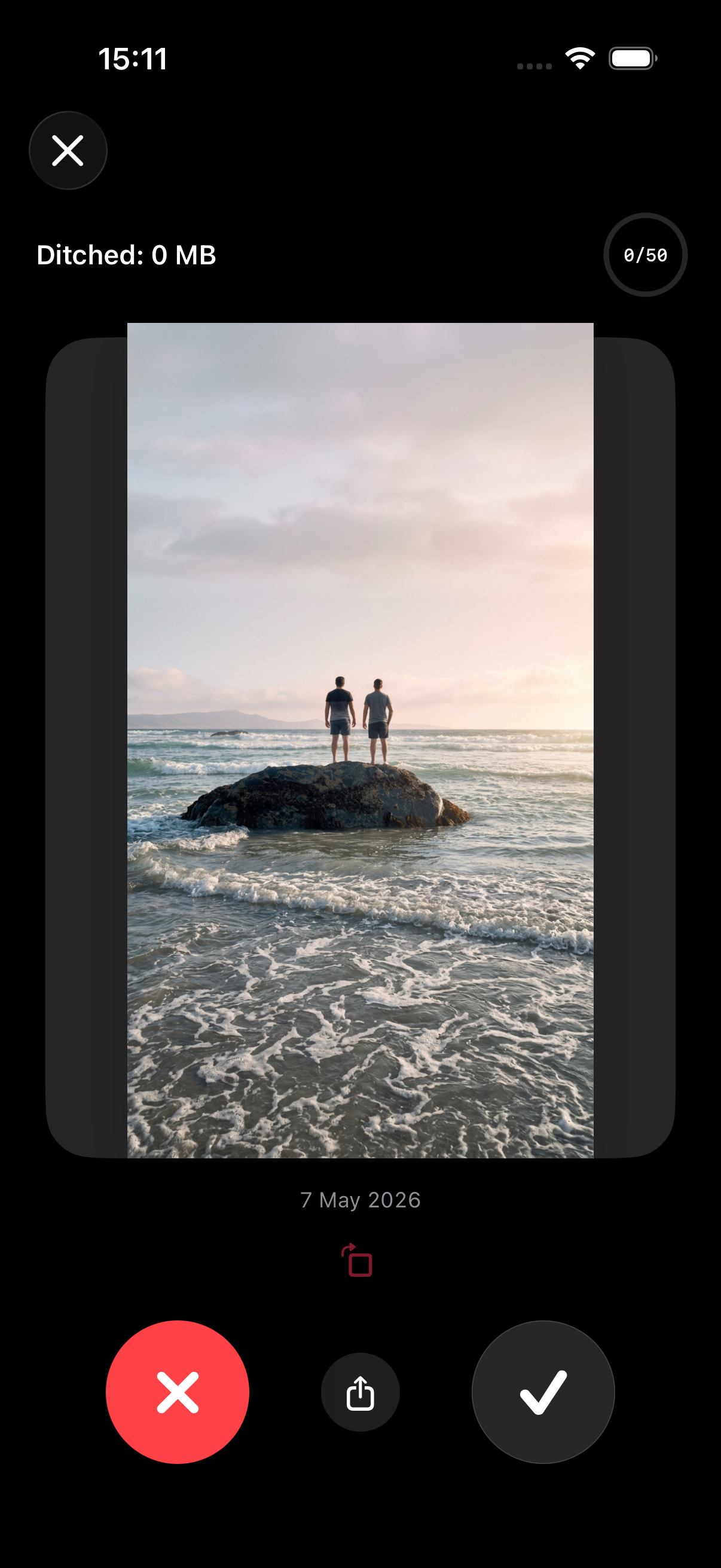
Ditch app showing a photo to keep

One look. One swipe.

Your brain already knows. Ditch just makes it fast.

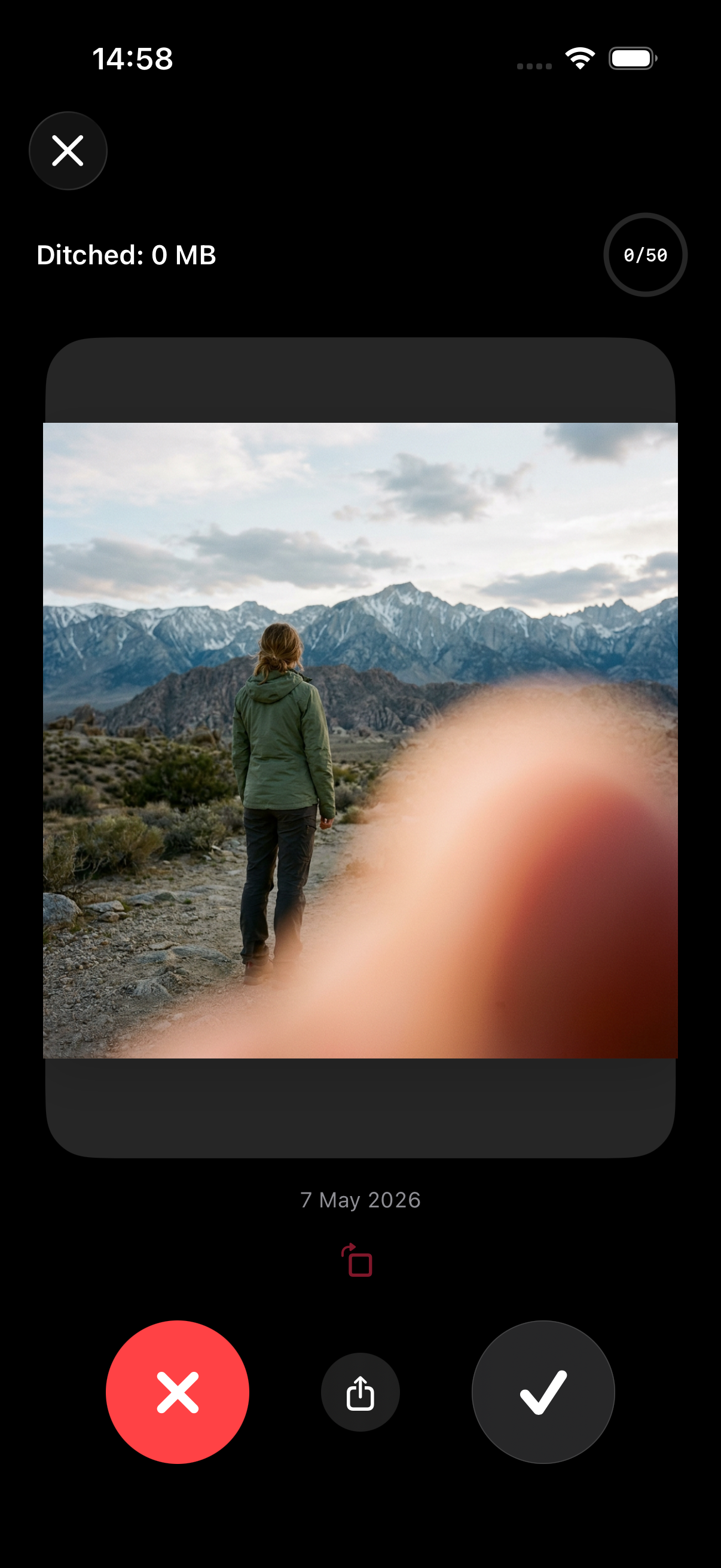
A ruined photo with a finger over the lens
← Ditch it
A beautiful photo worth keeping
Keep it →

Three steps. Zero hassle.

Go from cluttered to clean in a single session.

Step 01

Open the app

Your entire library loads instantly. No setup, no account, no waiting.

Step 02

Swipe to decide

Right to keep, left to delete. Fast and satisfying — the way it should be.

Step 03

Space reclaimed

Deleted photos go to Recently Deleted. Change your mind anytime within 30 days.

Review by album

Your library.
Your rules.

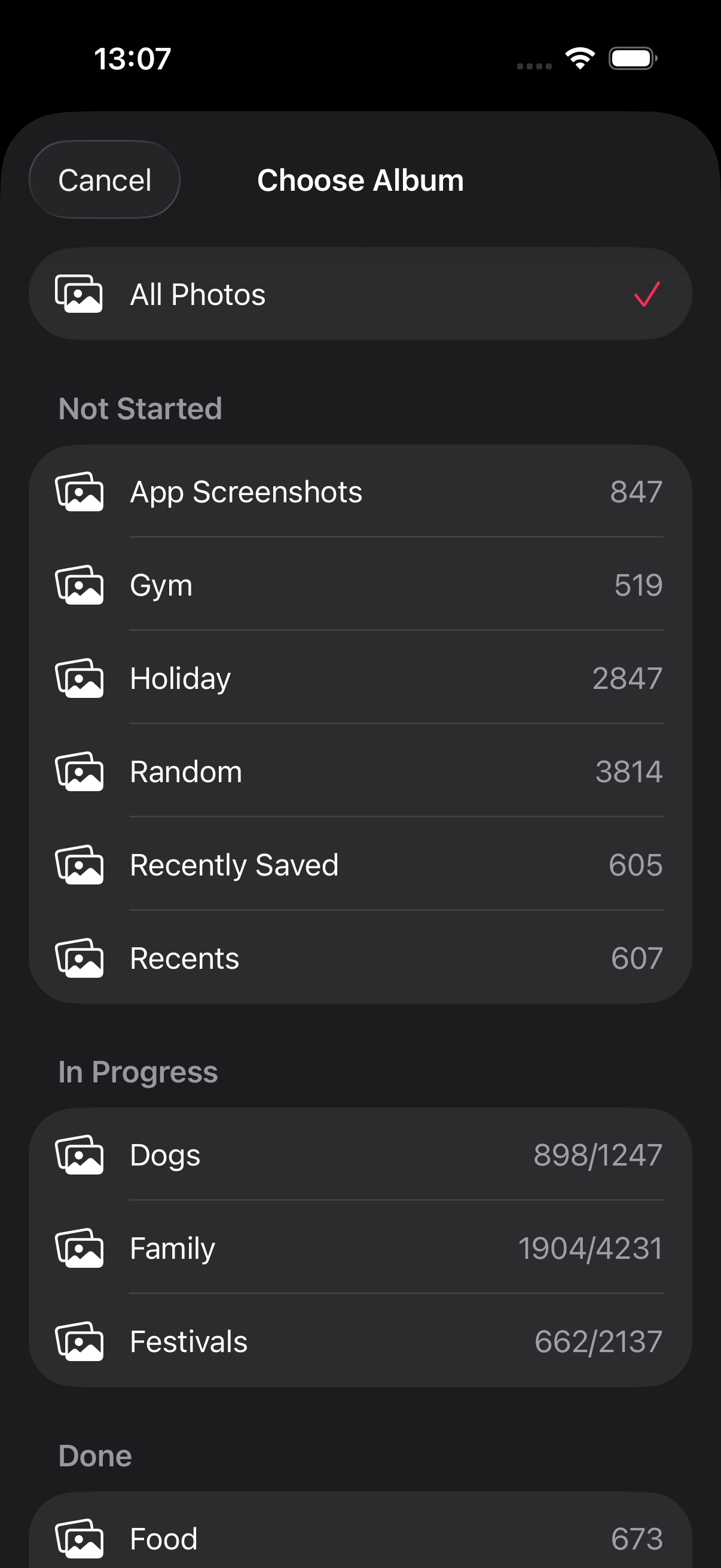
Review everything at once, or target the album that's gotten out of hand — Holiday, Family, Food, Gym. Go where the clutter is worst and clean it up fast.
  • Jump straight to your worst offenders
  • Picks up where you left off each session
  • Every album, every photo — nothing gets missed
Ditch app album chooser

Why Ditch

A cleaner camera roll in minutes — without losing control or your privacy.

You stay in control

Nothing is permanently gone without your say. Recover anything from Recently Deleted within 30 days.

Blazing fast

One swipe per photo. Review hundreds of shots in the time it takes to make a coffee.

100% private

Photos stay on your device. We never see, upload, or analyze your images. Ever.

Support

Quick answers to the most common questions.

What happens when I “ditch” a photo? Can I get it back?
Ditched photos go to Apple Photos’ “Recently Deleted” album, where they can be recovered for up to 30 days (Apple’s standard behavior).
Does Ditch permanently delete anything?
No. Permanent deletion only happens if you manually delete items from “Recently Deleted” in the Photos app (or after Apple’s retention window).
Will Ditch delete photos from iCloud too?
If you use iCloud Photos, deletions in Photos typically sync across your devices, because that’s how Apple Photos works. Ditch follows the same behavior.
Does Ditch work offline?
Yes. If your photos are available on-device, you can review without an internet connection.
Why does Ditch ask for Photo Library access right away?
Because the app can’t show or review photos without it. If you choose “Limited Access,” you can still use Ditch with the photos you allow.
What does “Limited Photos Access” mean?
It means iOS will only let Ditch see the specific photos you select. You can add or remove allowed photos later in iOS Settings.
Does Ditch edit my photos?
No. Ditch does not modify your images.
Can I review a specific album instead of my entire library?
Yes. You can pick an album and review just that set.
What if I accidentally ditch something important?
Open Apple Photos and go to Albums → Recently Deleted to recover it (up to 30 days).
Does Ditch share my data with third parties?
No photo data is shared. (If you use subscriptions/purchases, Apple processes payments.)
Still stuck? Email support@getditch.app.

Ready to reclaim some space?

Download Ditch on the App Store. No subscription, no ads, no data collection. Just a cleaner camera roll.